PM in Progress: A Simple Gesture to Fix Spotify Podcast Flow
At any waking moment, I’ll likely have three things running in the background: a podcast, a mental to-do list, and my college Canvas page. For years, I’ve relied on Spotify’s podcast section to keep me learning during workouts, chores, and long drives. Despite my long-standing loyalty to Spotify and the playlists I spent days curating during high school and college, I made the decision to unsubscribe from the service.
Why?
Because of one growing frustration: the podcast experience. I’ve been using podcasts more than ever, and the UX friction became something I could no longer ignore.

Music vs. Podcasts: A UX Mismatch
In the music player, skipping to the next song is as simple as:
- double tap on the play/pause button.
However, once you’re on the podcasts section, the double tap haptic triggers a 15 second jump forward. If you wanted to skip to the next episode, you would have to:
- Take out your phone
- Unlock your phone
- Open Spotify (if it isn’t open already)
- Swipe to the next episode manually (which isn’t visually intuitive)

Now imagine you’re running with your phone in your bag, your hands are wet from dishes, or you’re lying in bed half-asleep and the podcast episode isn’t your thing. Even one step becomes a hassle. All of a sudden, you go from being enjoying a podcast to becoming an unwilling participant.
So what if we introduced a simple gesture to fix that?
The Problem: When Listening Becomes Labor
Spotify’s current podcast UX is designed for exploration and deep listening, but not for quick transitions.
What if I start an episode and realize 5 minutes later that it’s not for me? Or the topic changes, or that its a guest I’m not into? At that point, moving on shouldn’t feel like work, but right now, it does.
The Feature: Tap -> Tap + Hold to Next
What I’m proposing is a tap and hold gesture on the play button that skips directly to the next episode in your podcast queue.
Here’s how it works:
- Tap + Tap (quick succession) + Hold (1.2s) -> Skip to next episode
- Haptic feedback -> Lets users know when the hold has been registered
This keeps the interaction simple, mirrors existing muscle memory that users have, and maintains compatibility with both music and podcasts flows.
The Inspiration
The idea isn’t revolutionary, it’s borrowed from places where this kind of gesture is already intuitive. Its simplicity is also the key to users adopting the feature naturally.
Think:
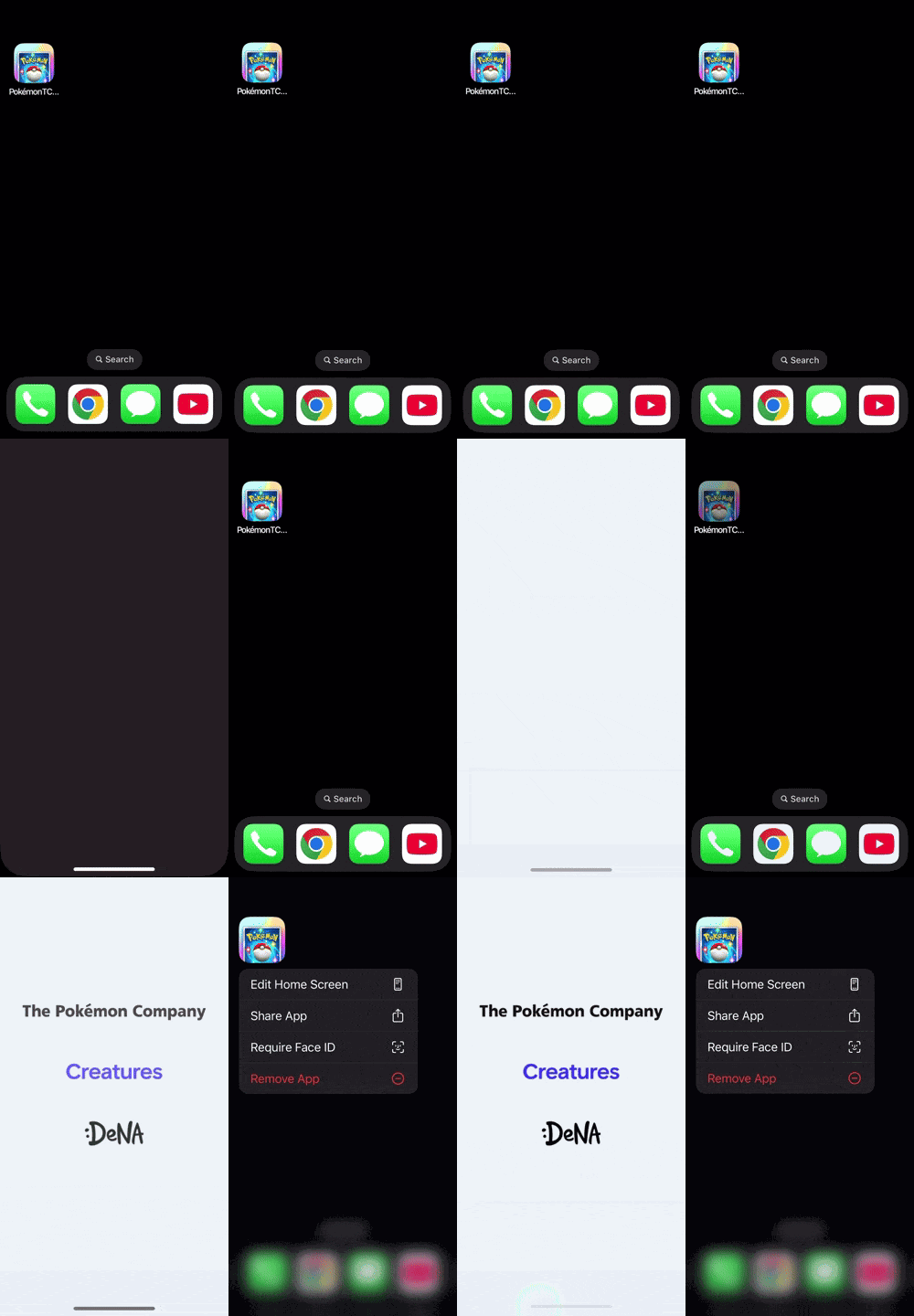
- Home screen apps: (tap to access, hold to edit)
- Email: (tap to view, hold to select)
- Touchscreen keyboards: (tap to type, hold for more options)
Users already know this pattern, and that's what makes it powerful.
Metrics that Matter
To validate the Tap and Hold to Next feature, here are some key metrics I’d track:
Pre-Launch Metrics (Discovery Phase)
- % of users who skip podcasts within the first 5 minutes
- Avg. time spent per podcast session vs. per episode
Post-Launch Success Metrics
- % of podcast listeners using tap-and-hold within the first 14 days
- Skip-to-next episode rate
- Completion rate of next episode after skip
- Change in average listen time per session
- User satisfaction
PM Considerations & Edge Cases
Bringing this feature to life would require thoughtful coordination between design, engineering, and user research. Here are some considerations to be mindful of:
UX Consistency Across Devices
- Android and iOS gesture libraries: Tap and hold might behave differently, especially on lock screens and widgets
- Wearables: How should the gesture carry over to devices
Accessibility
- Interference: The feature shouldn’t interfere with VoiceOver, TalkBack, or any other alternative inputs
- Toggling: Consider users to toggle the features in accessibility or Podcast Settings
Edge Case Behaviors
What happens if:
- No episode is queued next?
- The next episode is in a different podcast?
- The user is offline?
User Education
How will users discover this feature?
- Pop-up tooltips?
- Animated onboarding?
- “Did you know” icon in the home tab?
Next Steps
To move from concept to MVP (Minimum Viable Product), the following steps would be my proposed roadmap:
1. Research & Discovery
- Interview frequent podcast listeners
- Analyze behavioral data on skips and drop-offs
- Run usability tests on gestures
2. Prototype & Design
- Build interactive mockups in Figma with the Tap and Hold mechanic
- Define gesture length, feedback, and microanimations
- Include onboarding or tooltips to guide new users
3. Engineering & QA
- Implement feature flags to enable A/B testing
- Roll out to internal beta users and Spotify super user cohort
- Log gesture usage and edge case behavior
4. Measure & Iterate
- Monitor daily active users of the feature
- Compare skip and completion rates across A/B groups
- Run user feedback surveys 2–3 weeks post-launch
- Adjust gesture timing or UI based on confusion metrics
5. Global Rollout
- Localize educational material for international markets
- Ensure it works in Car Mode, Spotify Connect, and third-party integrations like Alexa or Google Assistant
Wrap Up: A Nudge Toward Effortless Listening
At its core, it’s about reducing friction. Especially in moments that feel small, these bumps stack up over time and are a constant reminder that products can improve no matter how big they are.
Podcasts aren’t just background noise; they’re how people learn, relax, and stay connected, so when the experience interrupts that flow even slightly, it matters.
This feature might seem minor on paper, but it’s a reminder that the best innovations often aren’t loud or flashy, they’re just intuitive and respect the user’s time, attention, and muscle memory.
As someone exploring product management, I’m learning that good PMs don’t just ask “what can we add?”, but “what’s standing in the way”? In Spotify’s case, it might just be a couple taps too many.
About Me
Hi! I’m Andrew; a student leader, wellness advocate, and user-minded builder that’s passionate about meaningful design and products. I’m likely listening to Daily Tech, GrowProduct, or HealthyGamerGG at x1.25 speed. Follow me for more discussions on topics like this!